Void TRP
When you void a TRP, if it was issued for a vehicle that was titled and/or registered in MVD's systems it will revert back to the previous title and/or registration before the TRP was added.
If a plate was added to the TRP (plate credit to be transferred), that credit will also be removed from the customer's "locked" credit account and will be re-associated with the plate that was transferred (if it was on an active registration, it will return the status to active).
Voiding the TRP
- Sign into AZ MVD Now.
- See Signing into AZ MVD Now for steps
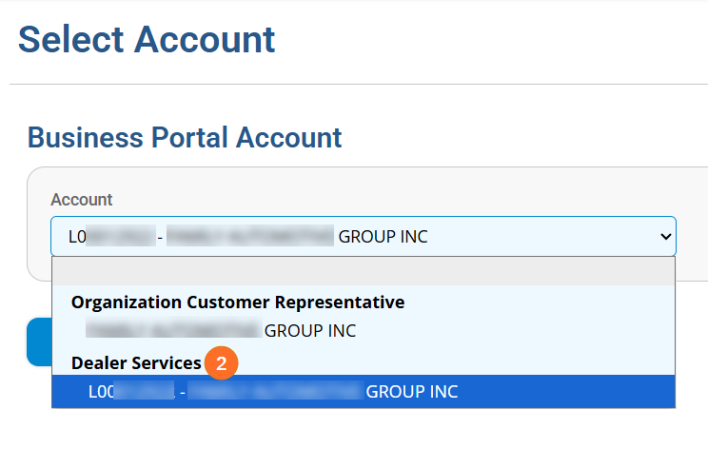
- Select the proper Dealer Services Account from the Account drop down.
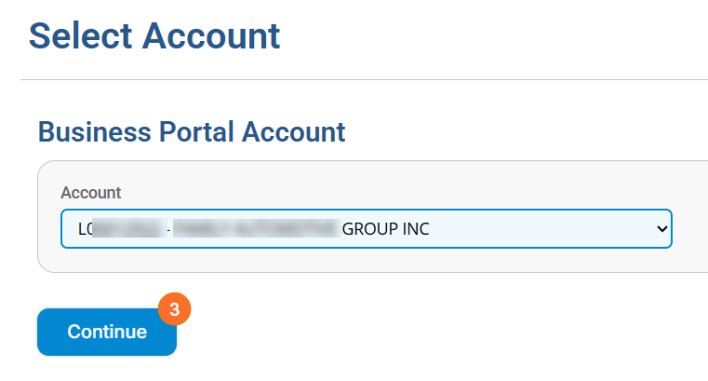
- Click Continue.
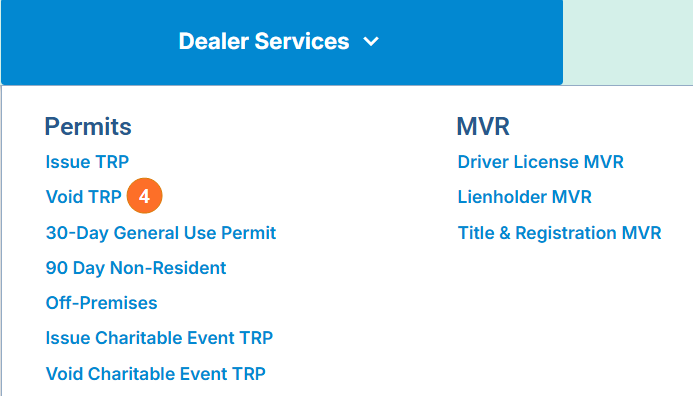
- From the Dealer Services menu, select Void TRP.
- Type the VIN (Vehicle Identification Number).
- Click the Search Icon.
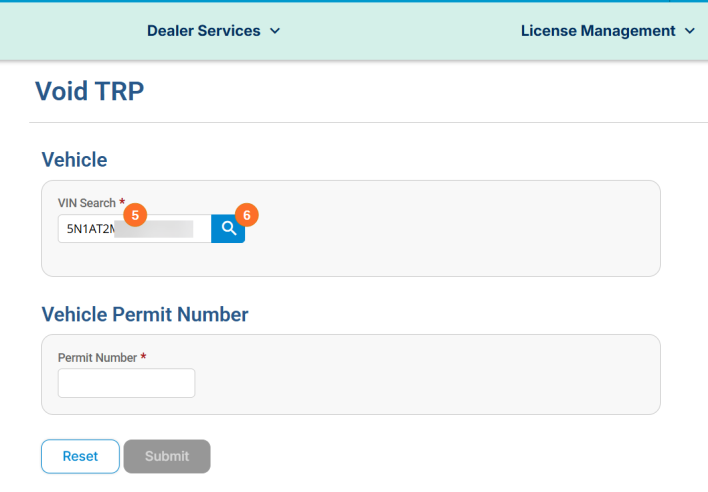
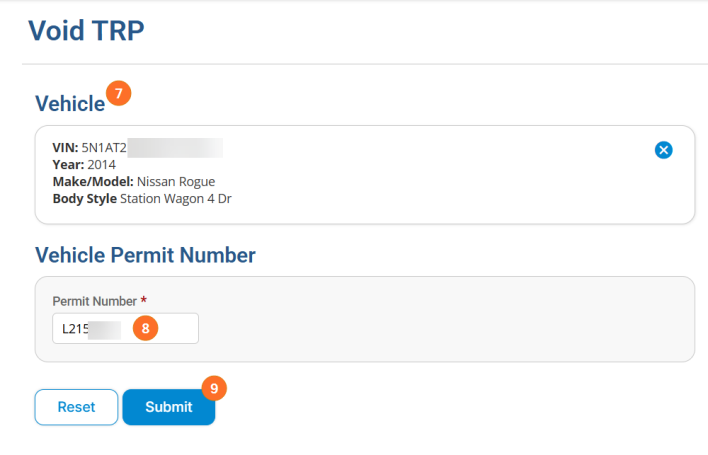
- The vehicle details will display.
- Type the TRP Number.
- Click Submit.
- A confirmation will appear. Click OK to confirm you want to void the TRP.

- You will see a notice in the upper right hand corner confirming the TRP has been successfully voided.